App Platform
Introduction
The App Platform is a lightweight application framework for state and memory management suitable for Kotlin Multiplatform projects, in particular Android, iOS, JVM, native and Web. It makes the dependency inversion (1) and dependency injection (DI) design patterns first class principles to develop features and support the variety of platforms. The UI layer is entirely decoupled from the business logic, which allows different application targets to change the look and feel.
- Dependency inversion means that high-level APIs don’t depend on low-level details and low-level details only import other high-level APIs.
App Platform pushes for code reuse by sharing APIs and implementations, while making it easy to leverage platform strengths and changing app or device specific behavior when needed. The framework helps you to get started writing Kotlin Multiplatform effectively.
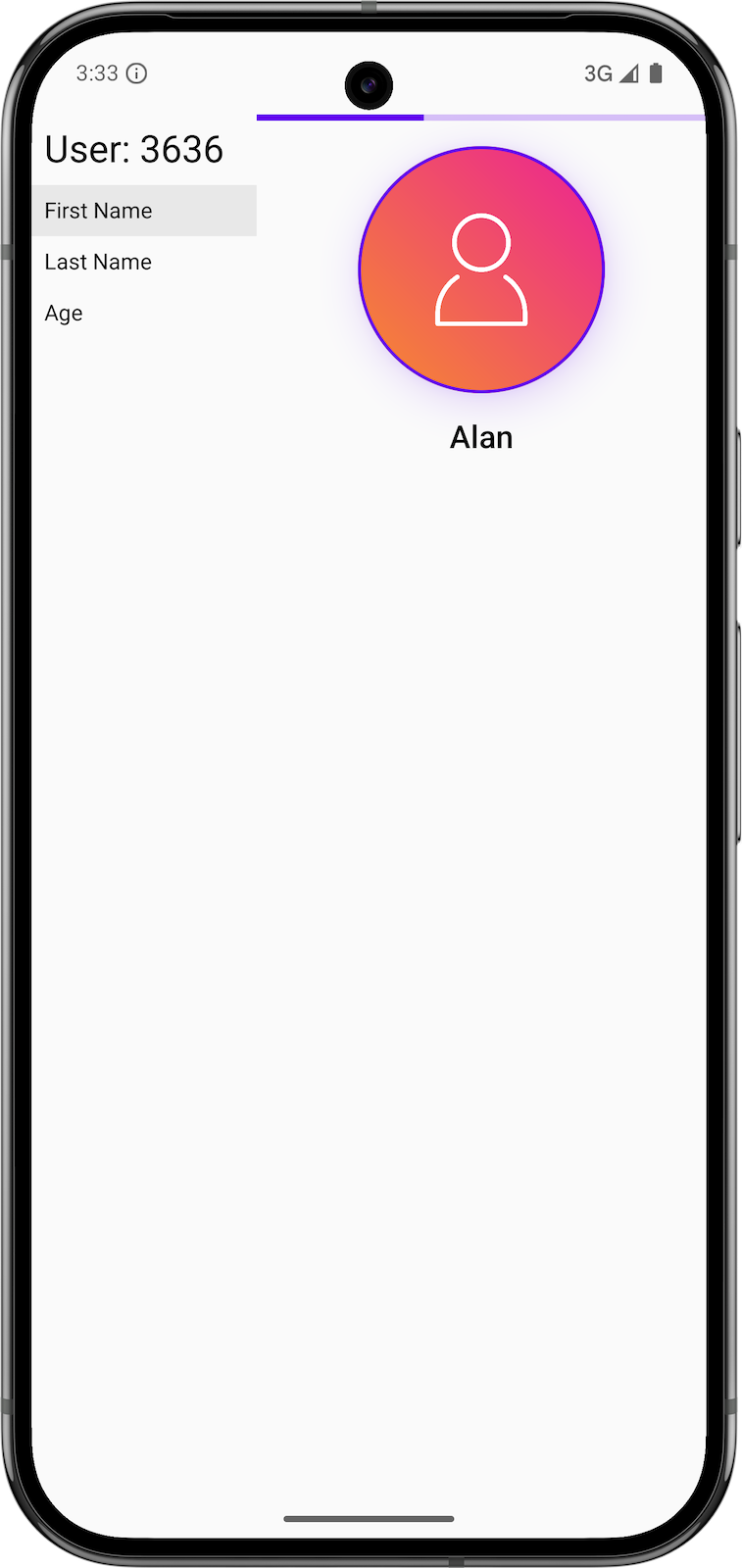
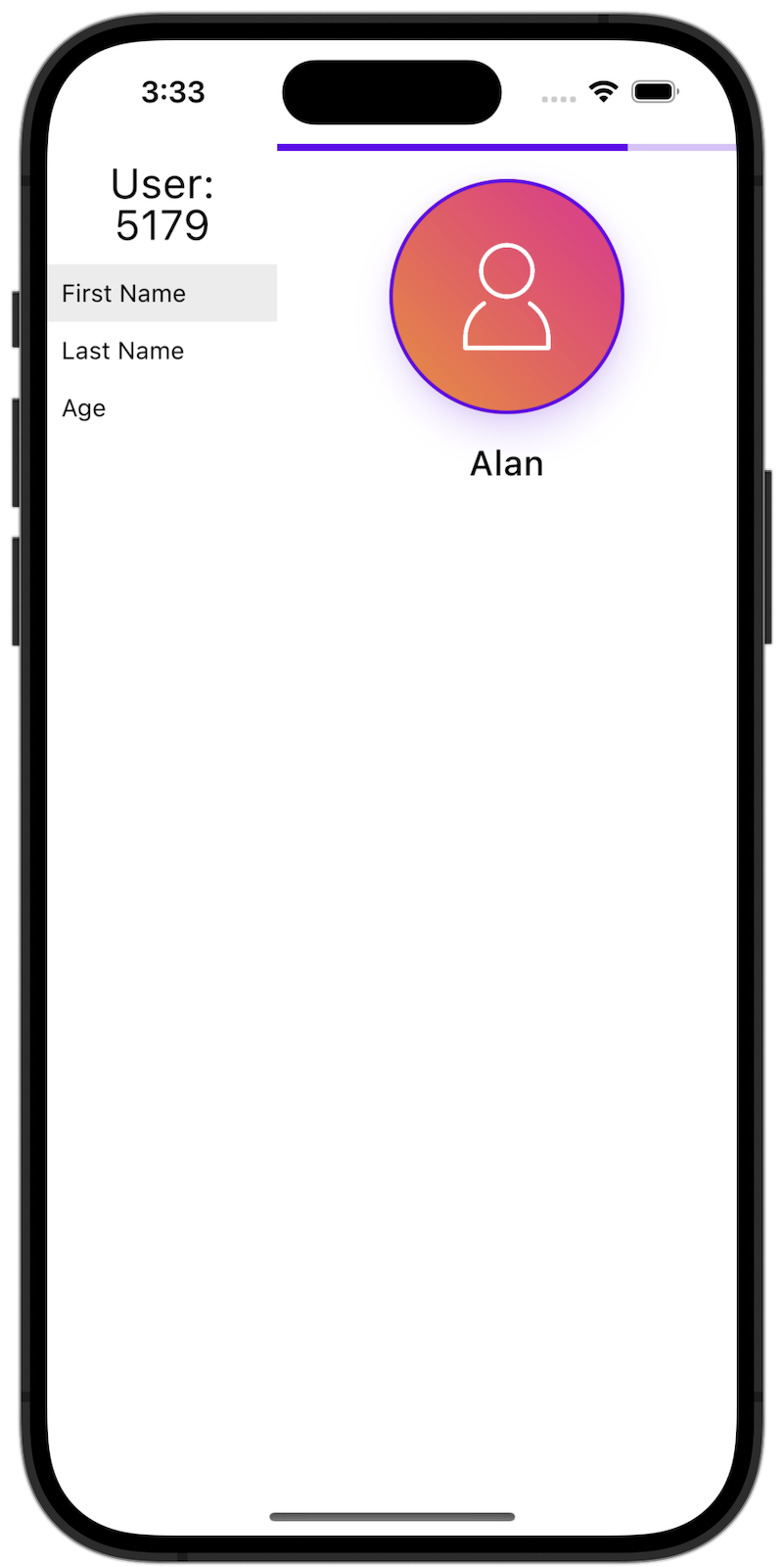
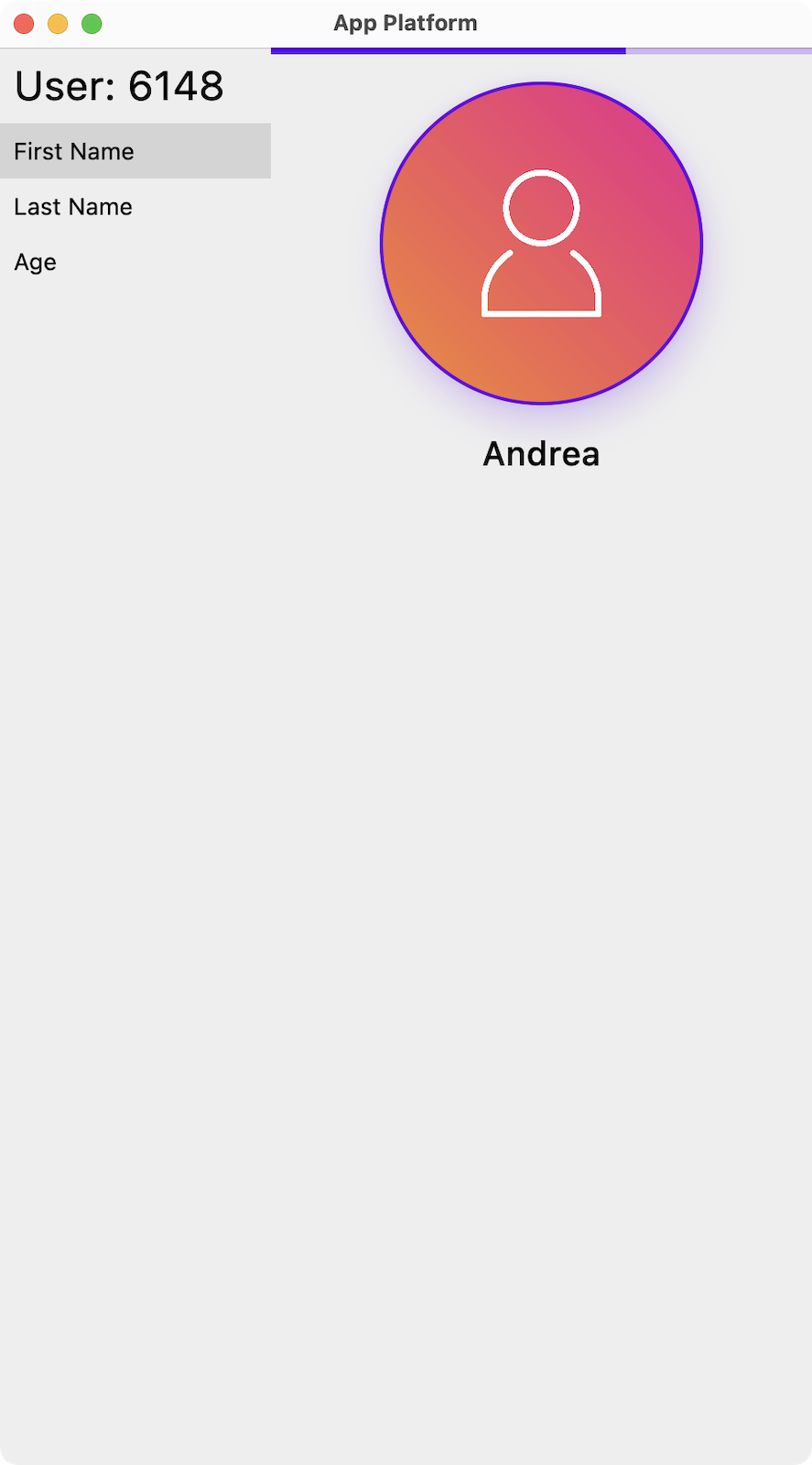
Drag the bottom-right corner horizontally to switch between phone and tablet layouts.
Overview
App Platform combines several features as a single framework. While all of them are optional, together they help to implement recommended best practices and design patterns.
Module Structure
The module structure helps to separate APIs from implementations. This prevents leaking implementation details, forces developers to think about strong APIs and reduces build times. Checks for the correct usage of the module structure are implemented in the Gradle plugin.
Dependency Injection
App Platform provides first-class support for Metro and kotlin-inject-anvil as dependency injection solutions. Metro is the recommended default, but these frameworks aren’t enforced and you can bring your own (1).
- Today App Platform recommends Metro for new work. Historically, the very first versions at Amazon used Dagger 2 and Anvil, and later migrated to kotlin-inject-anvil.
Scopes
Scopes are essential in our architecture. They define the boundary our software components
operate in. A scope is a space with a well-defined lifecycle that can be created and torn down. App Platform
provides hooks to create your own scopes with easy callbacks, integration for dependency injection
frameworks and CoroutineScopes.
Presenters
Presenters are implemented using Molecule. Writing business and
navigation logic using Compose is significantly easier than chaining Flows.
UI
The UI layer is fully decoupled using Renderers. Compose Multiplatform
is fully supported out of the box. For Android there is seamless interop with Android Views (1).
- We have a mix of both UI frameworks on Android.
Testing
Fakes for unit and device tests are essential and integral part of our architecture. There are many
test helpers to setup fakes for core components such as Scopes. We like using
Turbine for verifying the reactive behavior of our Presenters.
Thanks to Compose Multiplatform, Renderers can be tested in isolation for iOS
and Desktop.
Integration
The Gradle plugin comes with a convenient DSL to take care of many necessary configurations, e.g. it sets up the Compose compiler for Molecule and Compose Multiplatform. It configures KSP and integrates Metro or kotlin-inject-anvil for each platform. It sets the Android namespace and artifact ID when the module structure is enabled.
Getting Started
App Platform gives you a working Kotlin Multiplatform setup out of the box, with support for Android, iOS, Desktop, and Web (WASM). The fastest way to get started is by using the blueprints/starter project — a fully functional example app that already uses App Platform and applies everything the platform provides, including the module structure, dependency injection, scopes, presenters, and renderers.
For an advanced example, see the list-detail blueprint, which demonstrates adaptive phone and tablet layouts, shared presenters and renderers, Metro dependency injection, and platform-specific app shells. The Web List-Detail Blueprint tab above lets you run its WebAssembly app directly in the browser.
Copy the Starter App
To begin a new project:
git clone https://github.com/vRallev/app-platform.git
cp -r app-platform/blueprints/starter my-kmp-app
cd my-kmp-app
The starter blueprint comes preconfigured with App Platform and is ready to build and run across all supported targets.
Build and Run
The starter project includes a detailed README with instructions for building and running the app on each platform:
- Android
- iOS
- Desktop
- Web (WASM)
Follow the steps in that README to get your app running locally.
Project Ownership
App Platform was originally developed at Amazon. Ownership has since moved away from Amazon, and the
repository is now maintained independently under vRallev/app-platform by the original author of
App Platform.
Current packages, Maven coordinates, and the Gradle plugin use
software.ralf.app.platform. Releases through 0.0.17 remain available under the
former software.amazon.app.platform namespace.
License
This project is licensed under the Apache-2.0 License.